
Best WooCommerce Hosting 2026: Spiky Sales, Steady Catalogs, and Scale Paths

Key takeaways
- Woo needs concurrency, object cache, and a scale path — not just cheap shared hosting.
- What settled Autonomous vs Flexible is sale-night spikes (watch the bill) vs a catalog you can resize.
- Premium managed WP hosts trade higher price for turnkey WordPress management.
- Unmanaged VPS is DIY — not a Woo managed winner on this page.
Hosts in this guide
- Cloudways Autonomous for spikes; Flexible for steadier Woo catalogs Flexible from $14/mo; Autonomous from $99/mo Visit site
- Kinsta Premium managed WordPress for turnkey stores Single $35/mo Visit site
- WP Engine Premium managed WordPress for stores with spiky traffic Essential $28/mo first year, then $35/mo Visit site
- Rocket.net Premium edge/CDN-first managed WordPress for Woo Starter $30/mo Visit site




Checkout under load is what matters, not a homepage that says Woo. Cloudways Flexible around $28/mo on a small DigitalOcean class as of November 2026 is a box you resize for a steady catalog. Autonomous (Growth about $99) is for traffic spikes if you’ll watch usage. Premium per-site WordPress is a different product. Raw KVM only if you own the stack.
| Job | I’d shortlist | Wrong fit |
|---|---|---|
| Flash sales, launches, spiky checkout | Cloudways Autonomous — autoscaling WP, watch the bill (Growth about $99) | Steady catalog you can resize; non-WP apps |
| Steady catalog, predictable growth | Cloudways Flexible — per-server control (~$28/mo DO small as of November 2026) | Sale-night spikes you will not resize for |
| Agency-built flagship; max WP hand-holding | Kinsta, WP Engine, or Rocket.net — ~$30–$35 entry class | Packing many quiet stores on one box |
| You are the sysadmin | Raw Vultr/RackNerd — DIY only, not a managed Woo winner | You wanted staging and cache the host owns |
Woo checklist
Before you pick a brand, ask whether the stack survives checkout — not a pretty homepage. Product-line walkthrough: Cloudways review. You need object cache that is actually on, a CDN story you can name on the invoice, staging before a sale weekend, and a scale path that is either autoscaling or an honest resize. Mail is often a separate line.
- Object cache — Redis or Object Cache Pro–class options (confirm what’s included on your size)
- Concurrency — checkout and cart under load, not homepage vanity
- CDN / edge — what’s bundled vs add-on
- Scale path — autoscaling or honest vertical resize
- Staging — safe deploys before a sale weekend
- True cost — storage, visits, bandwidth, email (Cloudways usually needs a separate mailbox)
Cloudways Autonomous — spikes
Autonomous is autoscaling WordPress billed like a traffic product, not a VM you size. That’s why it sits on the Woo shortlist for launches and flash sales: checkout load can rise without you clicking resize at midnight. The trade is a bill that can move with visits, and a pricing UI whose tier names have wandered.
You’re not buying Flexible with a turbo switch. You’re buying a WordPress line meant to survive a sale night so cart and checkout don’t die while you sleep.
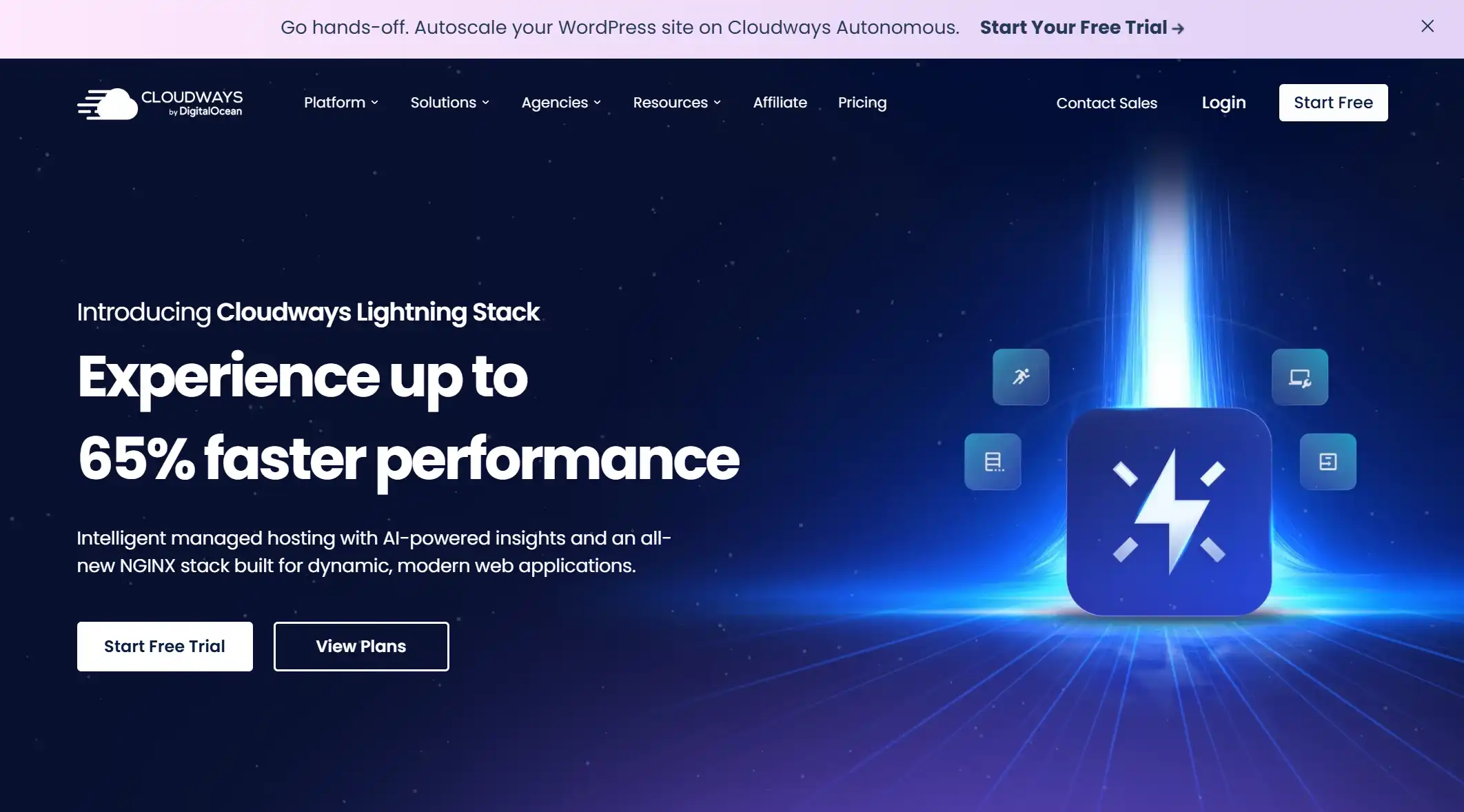
How you’re billed: visit-style or usage-based, not per-server. The pricing UI has shown Small/Medium/Large rows and Growth/Scale/Plus-style language around the same family. Screenshot the live page before finance signs off.
Day-to-day: this is a WordPress product. Staging still matters before a sale weekend. You are not picking DigitalOcean vs Vultr on this plan. Confirm object cache and CDN callouts on the tier you actually buy.
Limits: lumpy traffic can still produce a “what did last night cost?” morning. Email is usually a separate mailbox. Don’t park a random PHP app next to the store and expect Autonomous to treat it like Flexible.
Wrong when: the catalog is boring and steady (Flexible is enough), or you refuse to watch usage-based bills.
What you’d actually pay (rough monthly math)
| Store type | Lean | Steady monthly class |
|---|---|---|
| Steady small catalog | Flexible DO small + mail + confirm cache add-ons | ~$28 + mail (+ backup GB) |
| Growing catalog / heavier plugins | Flexible mid (~8GB) | ~$88 + mail + backup |
| Flash-sale / launch spikes | Autonomous (live plan) | Screenshot tier names the day you buy |
| High-touch storefront | Kinsta / WP Engine / Rocket.net | ~$30-$35+ per-site / visit plan minimums |
Checkout concurrency and object cache beat homepage vanity. Shared intro prices are not a Woo scale path.
Cloudways Flexible — steadier catalogs
Cart and checkout slow on a normal Tuesday. You resize — or add a server — instead of hoping shared hosting holds. That’s Flexible: a management layer on a VM you still have to size (DigitalOcean, Vultr, Linode, AWS, or GCP), billed per-server, not a visit ceiling.
Woo still needs Redis / Object Cache Pro–class caching and a resize plan; you’re just not buying platform autoscaling. The store lives on that box.
How you’re billed: per-server. Marketing often calls out Redis / Object Cache Pro–class options — confirm on your plan. Entry DO-class often ~$28/mo as of November 2026. The table above is a same-week snapshot, not a contract. Mail and backup GB sit beside that list price.
Day-to-day: you still get staging, SSH-class access, and a panel. You do not get Kinsta-grade WordPress hand-holding, and you do not get full root. Packing a catalog — maybe with other PHP apps — onto one managed server is the point. A flagship client who wants a support ticket instead of a resize is a different product.
Wrong when: spikes are the main problem and you specifically want platform autoscaling — then Autonomous belongs on the shortlist after you understand live pricing.
Before a sale weekend
On Flexible stacks I’ve run, I confirm object cache is actually on, stage the deploy, purge cache after go-live weirdness, and keep a resize plan if cart or checkout slows. Email stays a separate mailbox plan—don’t discover that during Black Friday week.
Premium managed WordPress (Kinsta / WP Engine / Rocket.net)
A flagship storefront on a sale weekend wants a ticket, not SSH-debugging PHP at midnight. Ten quiet catalogs cannot each take a ~$30–$35 plan. That’s premium managed WordPress: billed per site or by visits, for staging, support, and WP tooling — not for shopping DigitalOcean vs Vultr.
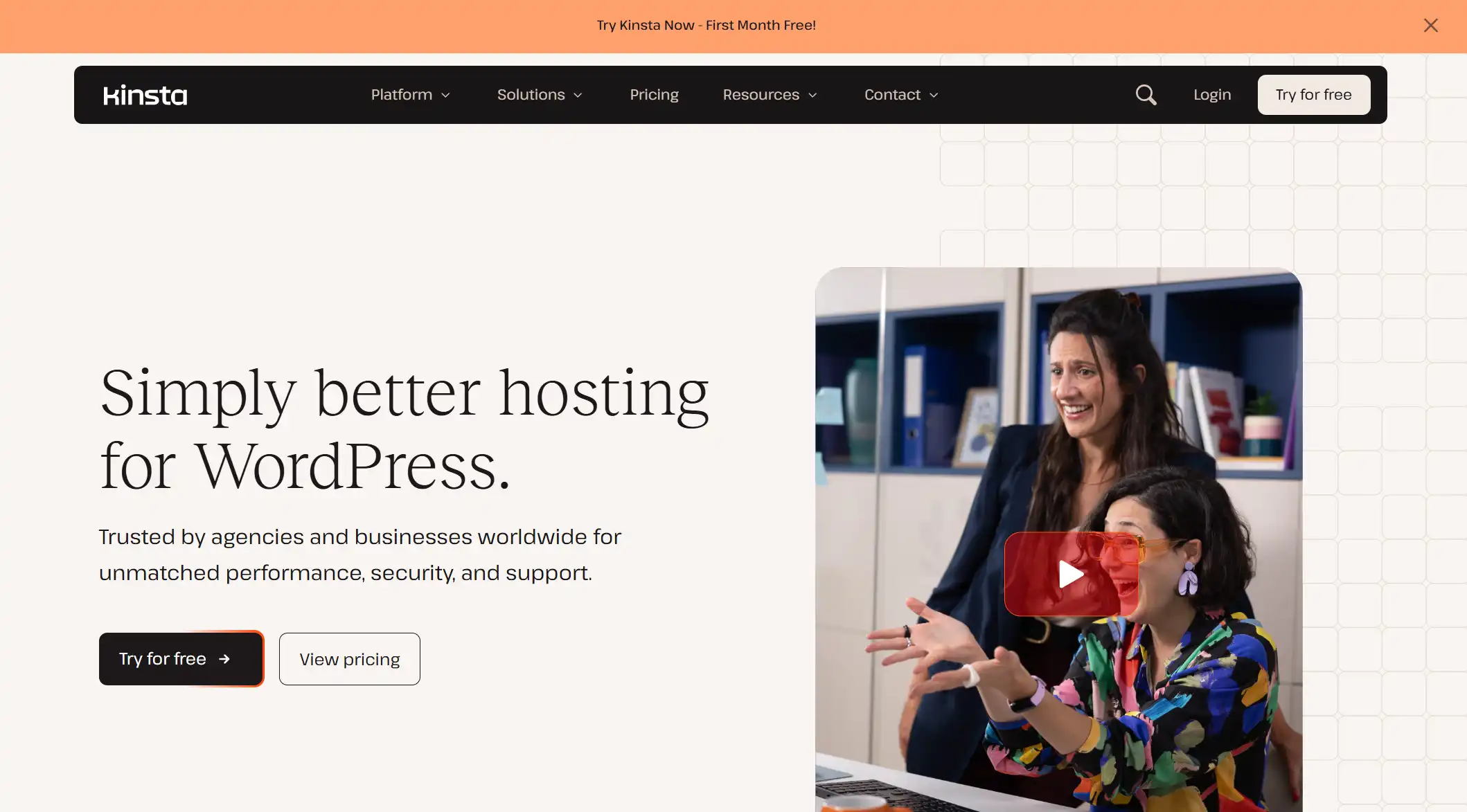
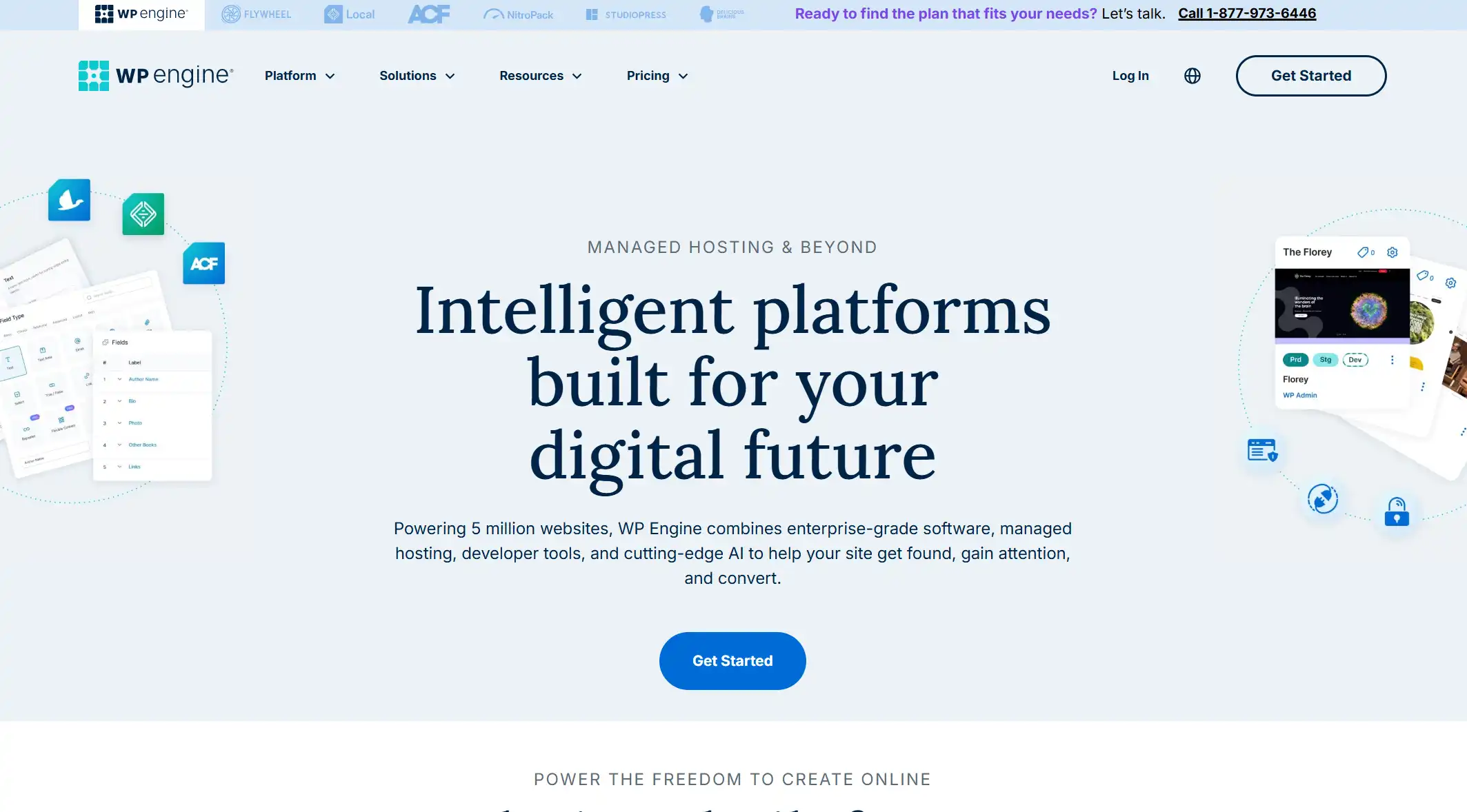
How you’re billed: a plan price per install, or a visit step. Kinsta entry ~$35/$30—see the Kinsta review. Rocket.net Starter ~$30/$25—see the Rocket.net review; WP Engine Essential Startup often ~$28/mo first-year marketing as of November 2026. Packing those catalogs on one Flexible box is the other job — agency math in WordPress hosting for agencies.
Day-to-day: someone else owns WordPress chores. Stage a checkout plugin before a sale weekend. CDN and edge packaging are part of the pitch — Rocket.net especially. Object cache and a sane checkout stack still matter. Premium does not fix a store that cannot complete an order.
Limits: plan prices multiply with sites or visit steps. A sale can bump you into the next visit band, or fill PHP threads while visits still look fine. I’d check PHP workers and visit limits before you treat the visit step as the whole Woo bill. Less cloud choice than Flexible. You are buying a WordPress product line, not a multi-cloud VM.
For the brand shortlist outside Woo, use best managed WordPress hosting.
Wrong when: every small catalog that fits one Flexible box gets a silent premium plan price, or spikes are the only problem and you’d rather watch Autonomous usage than pay per-site polish.
What I won’t recommend as “best Woo”
Cheap shared and raw VPS both fail the Woo job for different reasons. Shared dies when plugins and checkout concurrency stack up. Unmanaged VPS can work if you already own Redis, CDN, and the 2 a.m. payment-webhook failure — it is still not a managed Woo winner on this page.
- Cheap shared once plugins and checkout concurrency stack up
- Unmanaged VPS as a managed Woo winner (DIY only)
Onto Woo hosting (short checklist)
- Category: Autonomous (spikes) vs Flexible (steady) vs premium WP.
- Mailbox + object cache + CDN reality check on the invoice.
- Staging migrate → DNS TTL → SSL/cache → test checkout, not just the homepage.
- First sale week: watch cron, stock sync, and payment webhooks.
How I’d choose
Pick the failure you’re actually afraid of this week. A sale night that can kill checkout, and a usage bill you will watch → Autonomous. A catalog that grows a little each Tuesday, and a box you will resize → Flexible. A client storefront whose invoice can carry a WordPress-focused support queue → Kinsta, WP Engine, or Rocket.net. Root and the OS → DIY, eyes open — not a managed Woo winner. The managed-Woo-only shortlist (Autonomous vs Flexible vs premium WP) is managed WooCommerce hosting. Woo vs Magento vs AWS as separate storefront jobs: ecommerce cloud hosting.
Cloudways is often on my shortlist for Woo on managed cloud. It is not the best answer for every store.
FAQ
What is the best WooCommerce hosting?
Prioritize object cache, CDN, and scaling. Cloudways Autonomous suits spiky stores; Flexible suits steadier ones; premium managed WordPress hosts suit buyers who want maximum hand-holding.
Flexible or Autonomous for Woo?
Flexible when growth is predictable and you will resize. Autonomous when spikes are the main fear and you will watch the bill.
Is shared hosting enough for WooCommerce?
Usually not once checkout concurrency and plugins stack up. Plan object cache and a real scale path.
Related posts


Last updated